Key takeaways
- A DC fan runs on normal house power. A receiver takes the 120V AC supply and drives the motor and light electronically.
- No dimmers or wall speed controls. Breezary manuals warn they can permanently damage the fan’s electronic circuitry.
- Use the supplied remote and a plain switch. Replacement remotes must match the fan’s model number.
- Speed count is a design choice. More steps divide the same range more finely; they don’t raise the top speed.
What Is a DC Ceiling Fan?
A DC ceiling fan is a fan whose motor is driven by an electronic receiver instead of directly by household current. It still connects to an ordinary 120-volt AC circuit, but the receiver decides how fast the motor turns, which is why DC fans come with a remote and don’t work with standard wall speed controls or dimmers.
Almost every residential fan Breezary sells lists a DC motor, so this is the type most of our customers are installing. The name describes the motor, not the power in your ceiling: you don’t need a special outlet, battery or solar supply.
Traditional AC ceiling fans work differently. Their motor runs directly on household current, and speed is usually changed in fixed steps by capacitors in a pull-chain switch or a matching wall control. A DC fan replaces that with electronics, so every command has to go through the parts the fan was designed with.
| Traditional AC fan | DC fan | |
|---|---|---|
| Power from the house | 120V AC, through the switch and capacitors to the motor | 120V AC to a receiver, which drives the motor |
| How speed is set | Fixed steps from capacitors in a pull chain or AC wall control | Electronic steps set by the receiver; Breezary home models list six |
| Usual control | Pull chain or a wall control made for it | Supplied remote; a few models add an app |
| Wall speed control or dimmer | Only types made for that fan | Warned against in the Breezary manuals we checked |
| Energy use | Varies by model | Varies by model; compare the motor wattage on each product page |
How Does a DC Ceiling Fan Run on Standard Household AC Power?
Household power goes into a receiver mounted in the canopy or on the fan, not straight into the motor. The receiver turns the incoming AC into the controlled DC drive the motor needs, and it also switches the light.
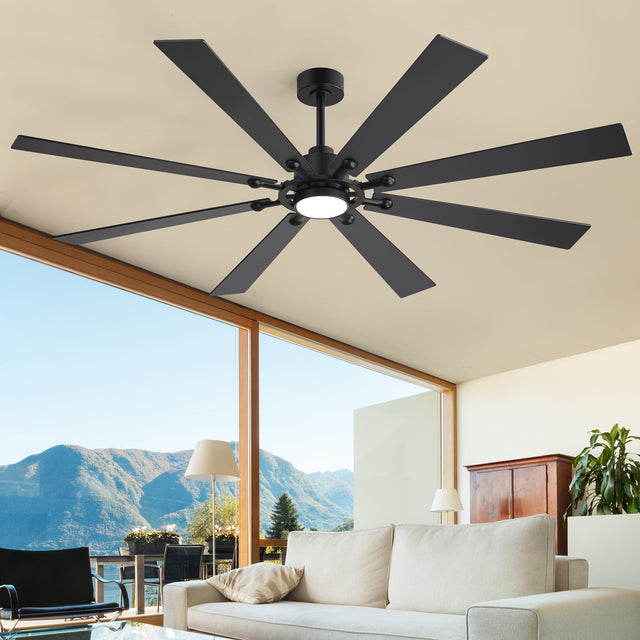
You can see this in the wiring diagram for the Vastora 72-Inch Black 8-Blade Ceiling Fan with Light & Remote: the house live, neutral and ground wires connect to the receiver’s input, and separate receiver outputs run to the motor and to the light. The Halcyra 20-Inch Boho Rattan Ceiling Fan With Light calls for a grounded 120V AC, 60Hz, 15A supply, the same kind of household circuit a light fixture uses.
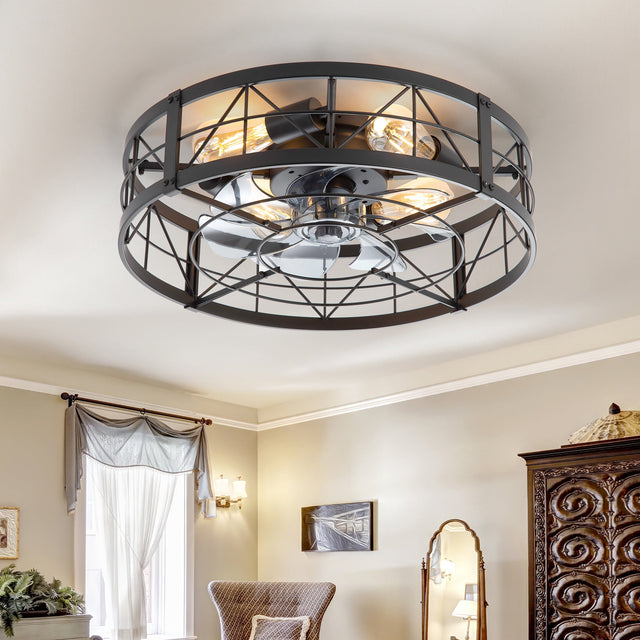
Some product pages list the motor at a low voltage. The Ravora 16.5-Inch Small Caged Ceiling Fan With Light & Remote, for example, lists a 24V DC motor. That figure describes the motor behind the receiver; the fan is still installed on a household circuit as its manual directs.
The wiring itself is covered step by step in how to wire a ceiling fan with light. If you are not certain which wire is which, have a licensed electrician do the connections.
Why Can’t a DC Ceiling Fan Use a Wall Speed Controller or Dimmer?
A dimmer or wall speed control reduces or chops the power before it reaches the receiver, and the receiver’s electronics are not built for that. Breezary manuals warn that it can permanently damage the fan’s electronic circuitry.
An AC fan motor is designed to slow down when a compatible control gives it less power. A DC fan’s receiver expects a steady supply and does its own speed control, so feeding it reduced or chopped power can cause humming, erratic behavior or a failed receiver. The warnings in Breezary’s documentation are specific:
| Model | Source | What it says |
|---|---|---|
| Walren 60 Inch Black Walnut Ceiling Fan Without Light | Model 40053 manual | Do not use with any solid-state fan speed control device; such use will permanently damage its electronic circuitry. It should not be installed with an isolating wall control or switch. |
| Chromara 52 Inch Chrome Crystal Ceiling Fan With Light | Model 46009 manual | The same solid-state warning, plus a caution that an isolating wall control or switch may cause incompatibility issues. |
| Covara 36-Inch 3-Blade Ceiling Fan With Light & Remote | Model 30041 manual | Do not use with any variable (rheostat) wall control. |
| Orlora 42-Inch White Ceiling Fan With Light & Remote | Product page | Solid-state speed controllers and isolating wall switches are not compatible. |
| Roson 16.5-Inch Vintage White Ceiling Fan With Light & Remote | Product page | A dimmer wall switch or rheostat can damage the remote-control unit. |
Other makers say the same. Minka-Aire’s instructions for its DC fan wall control (checked November 2026) state that DC ceiling fans cannot be installed with a solid-state speed wall control or light dimmer, and that doing so will permanently damage the fan’s remote control receiving unit.
The light is no exception. If your model’s light is dimmable, dim it from the remote. A wall dimmer on the light circuit is still a dimmer in front of the receiver.
Check first: if there is a dimmer, slider or fan speed knob where the new fan will go, have an electrician replace it with a plain on/off switch or a blank cover before you install a DC fan.
Which Controls Work With a DC Ceiling Fan?
Use the remote that came with the fan, plus a plain on/off wall switch or the breaker to cut power. Any other control has to be made for that exact model.
- The supplied remote. It handles speed, direction, timers and the light. The Walren 60’s remote, for example, lists speed control, Natural Wind, reverse and 1-, 2-, 4- and 8-hour timers.
- A plain on/off wall switch. Breezary instructions use one: the Walren manual pairs the remote by turning on the power switch and pressing the remote’s power button within five seconds, and the Vastora manual’s troubleshooting says to check that the wall switch for the light is on. Several manuals also warn against an “isolating wall control or switch,” so if your wall box has anything other than a basic on/off switch, or you are unsure what it is, ask an electrician or Breezary support before installing.
- A model-matched replacement remote. Breezary sells some as a set with the receiver, such as the 30023-REMOTE with receiver and the 40015-16-17-REMOTE for models 40015, 40016 and 40017. Match the model number, not just the look of the remote.
- App control, only where listed. Two Breezary fans, the Charlie and Aerovia 52-inch smart fans, list a Tuya app alongside the remote. On other models, don’t assume an add-on smart switch or module will work.
If you want the fan and light on separate wall switches without new wiring, start with ceiling fans with a separate light switch option, which compares what each control setup can do.
Why Don’t “Universal” Ceiling Fan Controls Work With Many DC Fans?
Most universal kits add their own receiver and speed control between the house wiring and the motor, and they are built to drive an AC motor. A DC fan already has a receiver doing that job, so the kit has nothing it can safely control.
Read the compatibility notes before you buy one. Hunter’s universal fan-light remote and wall-control kits, for example, state on their product pages (checked November 2026) that they are not for DC fans.
A universal handheld remote that tries to pair with your fan’s existing receiver is a different case: it can only work if it uses the same signal and codes as that receiver. How to pair a ceiling fan remote explains what has to match before a replacement or universal remote will pair. For Breezary fans, the safe route is the replacement remote listed for your model, or a quick question to support at 707-249-3725 or support@breezary.com.
Why Do Some DC Ceiling Fans Have 6 Speeds While Others Have 9?
The number of speeds is a choice made in the receiver and remote, not a limit of DC motors. More speeds give smaller steps between the slowest and fastest settings; they don’t add airflow at the top.
Because a DC receiver sets motor speed electronically, a maker can divide the range into six, nine or more steps. Every residential Breezary fan that lists a speed count lists six. Our large commercial HVLS fans use wall controllers instead, and one lists 12 speed levels across 20–80 RPM.
The fastest setting is set by the fan’s design and shows on the product page as its maximum RPM: 220 RPM on the Orlora 42-inch and 160 RPM on the Walren 60-inch, for example. A nine-speed fan with the same top speed simply has finer steps in between. Larger fans normally turn more slowly than small ones, so compare RPM only between fans of similar size.
The Natural Wind or Natural Breeze button on many Breezary remotes is a separate feature: it varies the speed automatically to imitate a changing breeze.
What to Check Before You Buy or Install a DC Ceiling Fan
Check the wall control, the model’s manual and the remote’s model number first. Most DC fan control problems trace back to a control the fan was never designed to use.
- Take dimmers, sliders and fan speed knobs off the circuit; an electrician can fit a plain switch.
- Read the model’s warnings before wiring. If you can’t find the manual, ask support before you start.
- Write down the fan’s model number so you can order the right replacement remote and receiver later.
- Expect a short pause, and on many DC fans a small back-and-forth movement, when the fan starts. DC ceiling fan troubleshooting explains what is normal and what is not.
- If quiet running is your reason for choosing DC, see how to read quiet ceiling fan decibel ratings before comparing product pages.
Ready to compare DC models with remotes?
View DC Ceiling FansDC Ceiling Fan FAQ
Can I use a dimmer switch with a DC ceiling fan?
No. Breezary manuals warn that solid-state speed controls and rheostat-type wall controls can permanently damage the fan's electronics. If the light is dimmable, dim it with the supplied remote.
Can I keep a regular wall switch with a DC ceiling fan?
A basic on/off switch that simply turns power on and off is part of Breezary's own pairing and troubleshooting steps. If your switch is a dimmer, slider, speed knob or anything you are unsure about, have an electrician check it before installation.
Will a universal ceiling fan remote work with a DC fan?
Usually not. Many universal kits are built for AC motors, and Hunter's universal kits state they are not for DC fans. Use the replacement remote listed for your fan's model number.
Does a DC ceiling fan need special wiring or a special outlet?
No. It connects to a standard 120V household circuit and a fan-rated outlet box like other ceiling fans; the receiver does the conversion. Follow the model's manual and use a licensed electrician if you are unsure.
Is a 9-speed DC fan stronger than a 6-speed one?
Not necessarily. The number of speeds only sets how finely the range is divided. Top speed and airflow depend on the fan's design, so compare those figures instead.