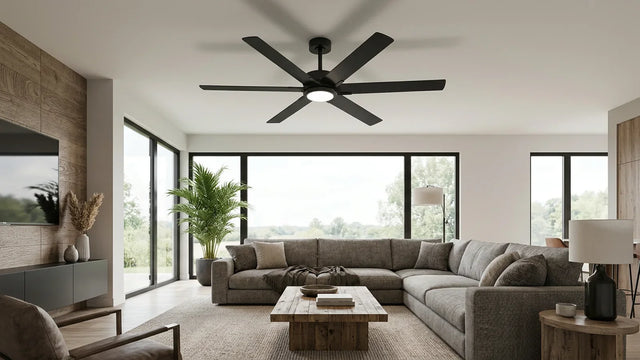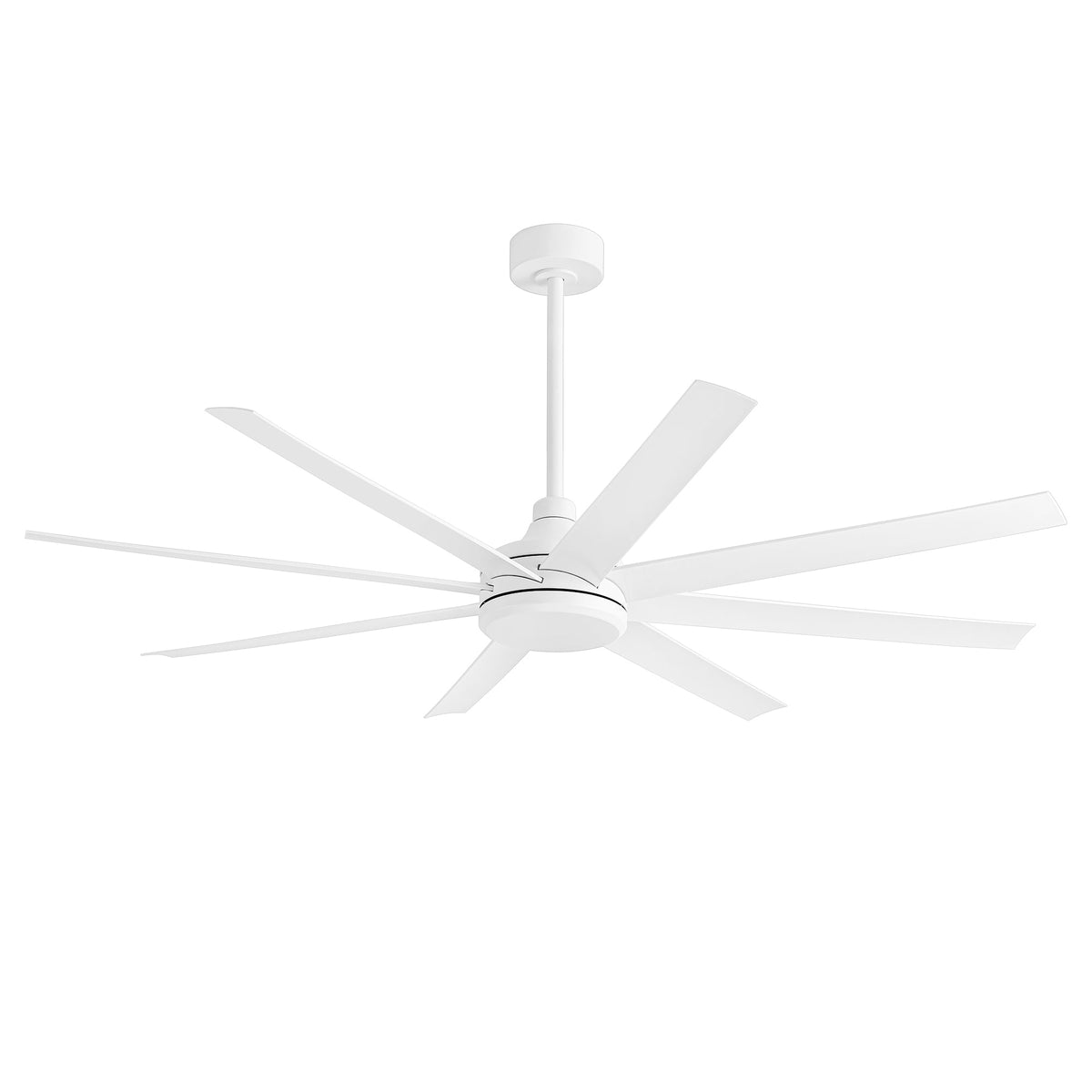
Key takeaways
- Work from the ceiling down. Most wobble starts at the bracket, ceiling box, downrod or canopy, not at the blades.
- Measure blade height. Every blade tip should sit about the same distance from the ceiling; a low blade points to a loose screw or bent bracket.
- Blades are a matched set. Mixing in a blade from another fan, or a warped or damaged blade, can cause wobble no clip will cure.
- Clips are the last step. A balancing kit fixes small weight differences only. If anything at the ceiling moves, stop using the fan.
Why Is My Ceiling Fan Wobbling?
Most ceiling fan wobble comes from something loose at the ceiling, blades that sit at different heights, or blades that do not match. Check those first, in that order, and use a balancing clip only for the small weight differences that remain.
A spinning fan magnifies small faults. A bracket screw that is a quarter-turn loose, one blade sitting lower than the rest, or a little extra dust on one blade can all show up as a visible wobble at high speed. The fix is to find the cause, not to add weight until it looks better.
This guide is a general way to diagnose wobble on most residential fans. If you are installing a Breezary fan from the box, follow the model's manual and how to install a ceiling fan with light, which walks through the 40017-BK, including its balancing kit, step by step.
Check first: turn the fan off at the wall and at the breaker, and wait for the blades to stop completely before you touch anything.
Match the Wobble Symptom to the Likely Cause
When and how the fan wobbles tells you where to look. A wobble at every speed usually points to mounting; a wobble only at high speed usually points to blade height or weight.
| What you notice | Likely cause | Where to look |
|---|---|---|
| Canopy or bracket moves against the ceiling | Loose bracket, unsuitable or loose ceiling box | Stop using the fan; check the box and bracket |
| Wobble at every speed, even low | Loose mounting, hanger ball not seated, bent downrod | Bracket, downrod pin and set screws |
| Wobble only at high speed | Blades at different heights or slightly different weights | Blade screws, blade tracking, then a balancing clip |
| Started after cleaning or moving the fan | Loose blade screw, bent bracket, uneven dust | Blade screws and blade heights |
| Started after replacing a blade | Blade not matched to the set | The blade's model and part number |
| Rattle or click rather than sway | Loose canopy, light glass, cage or housing screws | Canopy cover, light kit and cage |
If you are not sure what a part is called, note where it sits and send a photo when you contact support; it is quicker than describing it.
Check the Mounting Bracket, Canopy and Downrod First
Start at the ceiling. If the bracket, ceiling box or downrod is loose, nothing you do to the blades will last, and a loose mount is the one cause that can be dangerous.
Bracket and ceiling box
Lower the canopy cover and look at the mounting bracket. Its screws should be tight and the bracket should not shift when you push on it gently. The box above it must be rated for ceiling fan support. If the box moves, is a light-only box, or you cannot tell, stop and have a qualified electrician check it.
Downrod fans
On a downrod fan, check that the hanger ball sits fully in its seat in the bracket, that the cross pin goes through the downrod, and that its set screws are tight. A bent downrod or one that is too long for the room makes any imbalance look worse. The downrod length calculator helps you confirm the length. Larger fans often include two rod lengths; the AeroSpan 65" Large 8-Blade Ceiling Fan Without Light & Remote, for example, includes 7-inch and 12-inch downrods.
Angled ceilings
Each model lists a maximum ceiling slope. The AeroSpan 65" lists 14°, the Bexen 72/80 Inch Large Ceiling Fan With Light & Remote lists 12°, and the Altairn 72 Inch Dimmable Ceiling Fan With Light and Remote lists 15°. A fan hung on a steeper slope than its limit can bind, sway or let the canopy touch the downrod.
Flush mount and enclosed fans
Flush-mount fans have no downrod, so wobble usually comes from the motor housing not being fully locked to its bracket, or from the blades. On caged fans like the Roson 16.5-Inch Vintage White Ceiling Fan With Light & Remote, whose seven ABS blades sit inside the cage, a loose cage screw or light part can rattle like a wobble. Check those before taking anything else apart.
How to Check Blade Height (Blade Tracking)
Every blade tip should pass the same height below the ceiling. If one tip hangs lower or higher than the others, a loose screw, bent bracket or warped blade is the likely cause.
- Tighten first. With the power off, tighten every screw that holds the blades to their brackets and the brackets to the motor. A loose screw is the most common cause of a low blade.
- Measure. Hold a ruler or tape measure vertically against the ceiling at one spot near the blade tips. Turn the fan slowly by hand and note the distance to each tip as it passes.
- Compare. If one blade is clearly lower or higher than the rest, look at its bracket and the blade itself. Lay a straightedge along the blade to check for warping.
- Replace, don't bend. Do not bend a blade bracket back by hand unless your manual tells you how. A bent bracket is weakened; get a replacement for that model instead.
Fans with many blades take longer to check but follow the same rule. The Bexen has ten plywood blades on its 72-inch size and eight on the 80-inch size. On the Altairn, the product page describes eight blades carried in pairs on four arms, so check both blades on each arm and the arm itself.
Are the Blades a Matched Set?
Fan blades are made and balanced as a set for one motor. A replacement blade from another fan, a damaged or warped blade, or uneven dirt can upset that balance.
- Replaced one blade? Use a blade made for your exact model. Even the same length can differ in weight or pitch. See whether you can put different blades on a ceiling fan for what has to match.
- Dual-finish blades. If you turned blades over to show the other color, make sure each was refitted the same way with all of its screws. The finish you choose does not change balance, as explained in reversible blades vs reversible motors, but a misaligned blade will.
- Moisture. Plywood and MDF blades can warp if they stay damp. A warped blade needs replacing, not weights.
- Dust. A thick layer on some blades and not others adds uneven weight. Clean all blades the same way; for caged designs, see how to clean enclosed and caged ceiling fans.
Why Swapping Two Blades Can Reduce Wobble
Many fan manuals list this step before the balancing kit: swap two neighboring blades and test again. Blades in a set are close in weight but not identical, and small differences in the brackets and mounting points add up. Moving a blade to another position changes how those differences line up around the motor, and sometimes they cancel out.
- Turn the power off at the breaker and let the blades stop completely.
- Swap one pair at a time, tighten every screw, then run the fan at the speed where it wobbled.
- If the wobble gets worse, put that pair back and try another. On a 3-blade fan every blade is next to the other two, so there are only three pairs to try.
- Swap only blades your manual treats as interchangeable. If the blades or brackets are numbered, or the blades are fixed in pairs on arms as on the Altairn, leave them where they are.
When to Use a Ceiling Fan Balancing Clip
Use a balancing kit only after the mounting, blade screws and blade heights check out. The clip helps you find which blade is light and where; a small adhesive weight then evens it out.
A balancing kit usually includes a plastic clip and a few adhesive weights. You try the clip on one blade at a time, run the fan, and see which position reduces the wobble most. A weight then goes on top of that blade in that spot. Many fans include a kit; the AeroSpan 65" description mentions a balance kit to help fine-tune the blades.
The exact clip and weight steps vary by fan, so follow your model's manual. For a worked example on a Breezary fan, see the balancing section of how to install a ceiling fan with light.
When a clip is the wrong fix
- Anything at the ceiling moves.
- One blade is visibly lower, bent or cracked.
- The wobble is the same at every speed.
- You have already added several weights and the fan is no better.
When to Stop Using a Wobbling Ceiling Fan
Turn the fan off at the breaker and stop using it if the mounting moves, you hear grinding or cracking, a blade strikes anything, or you smell burning. Those are support or motor problems, not balance problems.
- The canopy, bracket or ceiling box shifts while the fan runs.
- A blade, bracket or downrod is cracked, bent or has hit something.
- You hear grinding, scraping or a new knocking from the motor.
- There is a burning smell or visible scorching.
- The wobble keeps getting worse after you tighten everything.
Have a qualified electrician check the box and wiring. For a Breezary fan, contact customer service at 707-249-3725 or support@breezary.com with your model number and a short video of the wobble. Breezary covers the motor with a limited lifetime warranty and fan parts with a one-year limited warranty for the original purchaser.
Replacing a fan that can't be fixed?
View downrod ceiling fansWobbling Ceiling Fan FAQ
How much wobble is normal for a ceiling fan?
A slight sway at high speed is common, especially on a fan with a long downrod. Wobble you can see from across the room, movement at the canopy or ceiling, or clicking and knocking is not normal and should be checked.
Can a balancing kit fix any wobbling fan?
No. Balancing clips and weights correct small weight differences between blades. They cannot fix a loose bracket, an unsupported outlet box, a bent blade bracket or a warped blade, and using weights to hide those problems is unsafe.
Why did my fan start wobbling after I cleaned it?
Cleaning can loosen a blade screw, bend a blade bracket if you pressed on a blade, or leave dust on some blades but not others. Turn the power off, tighten every blade screw, check blade heights and wipe all blades evenly.
Can I replace just one wobbly blade?
Only with a replacement made for that exact model. Blades are sold and balanced as a set, so a blade from another fan, even the same length, can have a different weight or pitch and make the wobble worse.
When should I stop using a wobbling fan?
Stop at once if the canopy, bracket or ceiling box moves, if you hear grinding or cracking, if a blade hits anything, or if you smell burning. Turn the fan off at the breaker and contact a qualified electrician or Breezary customer service.
Does a wobbling fan need a different downrod?
Sometimes. A downrod that is too long for the room exaggerates sway, and a bent or poorly seated downrod causes wobble on its own. Check that the hanger ball is seated and the pin and set screws are tight, and confirm the length suits your ceiling height.
If the blades are matched as a set, why does a fan come with a balancing kit?
Because the blades are only one part of the system. Small differences in the ceiling surface, mounting bracket, downrod and how each blade is fitted only show up once the fan is installed and spinning. The kit corrects the small weight difference that remains after you have checked the mounting, blade screws and blade heights.